
We’ve all had those nightmares. You wake up, check your terminal, and… nothing. The server is gone. The volumes are corrupted.
In my previous posts, I talked about individual tools: Terraform for the skeleton, Ansible for the nerves, and Restic for the soul. But a collection of tools isn’t a strategy. A real Disaster Recovery (DR) setup is a Tried and Tested Survival System.
You see, most people make the fatal mistake of building a DR plan and then forgetting about it. They assume the “Save” button works. They assume the “Apply” works. They are wrong.
1. The Importance of a “Tried” Plan
A plan that has never been executed is just a theory. I don’t trust theories; I trust logs. That’s why my DR strategy isn’t just about having backups; it’s about having a proven path to restoration. I’ve run my “rebirth” process so many times that it’s second nature. If the data center dies, I don’t need a manual. I just need ten minutes.
2. Chaos Engineering: Breaking it on Purpose
To make my setup truly resilient, I use “Chaos Engineering” scripts. Once a month, I intentionally nuke a service, or I snapshot a volume and truncate the data. Why? To see if my auto-healing triggers. To see if Restic catches the change. To see if my Ansible playbooks can mend the damage without me logging in.
If your system can’t handle a controlled explosion, it won’t handle a real one.
3. Provisioning: The Skeleton (Terraform)
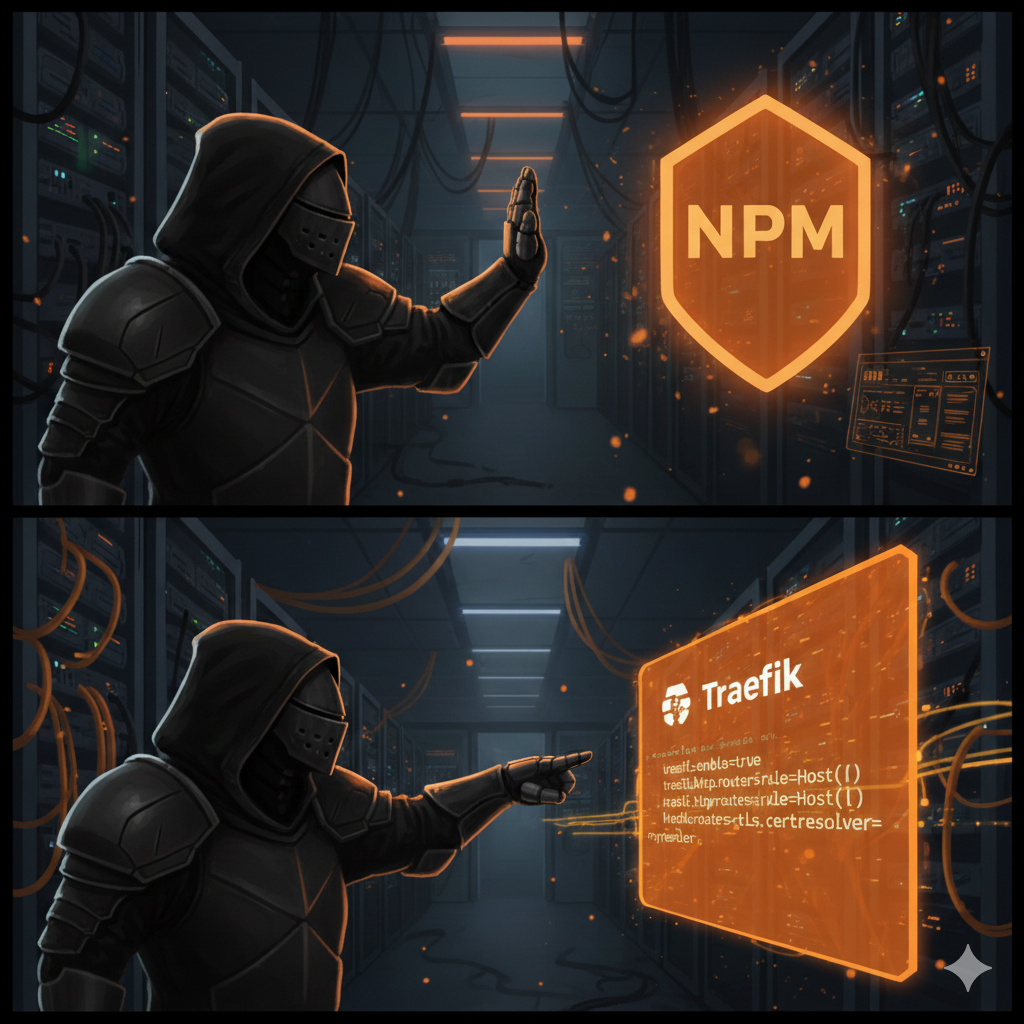
It starts with the ability to rebuild the virtual house instantly. If my VPS provider has a regional outage, I don’t wait for them to fix it. I change one line in my Terraform config, hit `terraform apply`, and I have a fresh Debian instance in a different city before the outage notification even hits my inbox.
4. Configuration: The Nerves (Ansible)
Once the box is live, Ansible takes over. It handles the Scheduled Maintenance and house-keeping:
– Docker cleanup: Removing the digital clutter.
– Healing Mechanisms: Ensuring services are mended back to their desired state.
5. The Data Vault: The Soul (Restic + B2)
Your application’s soul—the data—lives in a Backblaze B2 vault, managed by Restic. This is the $6/TB insurance policy. But again, it’s not enough to just “push” the data. I regularly run restoration tests to ensure the “Mending Spell” actually restores the files to their proper place.
The “Mending” Workflow
The true test of a DR setup is the Restoration Time.
1. Everything is on fire.
2. `terraform apply` (3 min)
3. `ansible-playbook site.yml` (5 min)
4. `restic restore latest` (2 min)
Total time from “digital ruin” to “production is live”? Under 10 minutes.
Conclusion
Disaster Recovery isn’t a task—it’s a philosophy of resilience. It’s about moving from “I hope it works” to “I know it works because I broke it yesterday.”
Stop worrying about when the next crash will happen. Break your system, test your mending spells, and let the servers burn. You’ll be ready.